
The HTML and CSS Free Certification Course 2026 is designed for beginners who want to learn modern web development in just seven days. Participants who complete at least 85% of the course can receive a free certificate, and eligible learners also get a chance to win a MacBook.
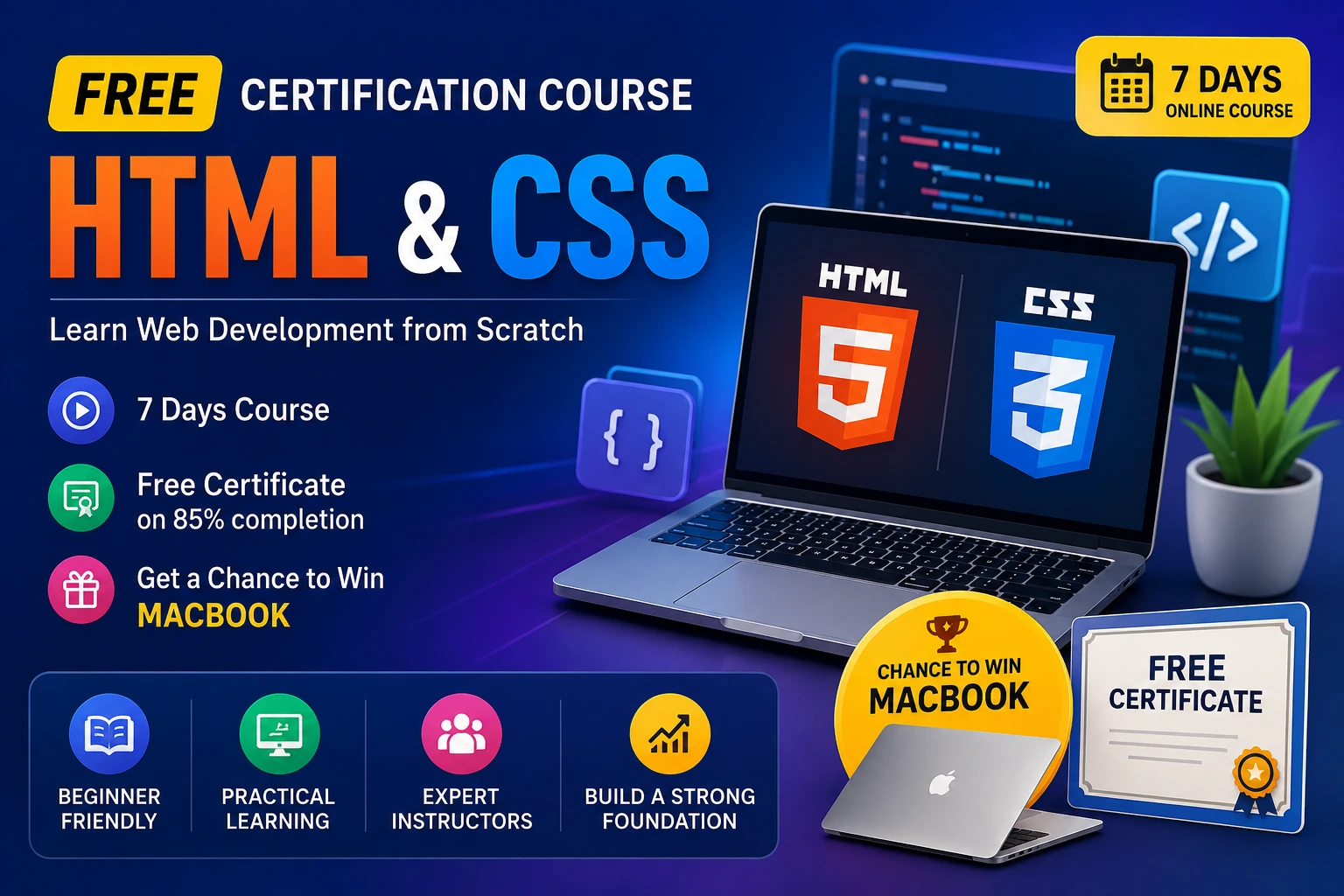
The course features interactive lessons, practical activities, and guidance from experienced software professionals.
Overview of HTML and CSS Free Certification Course 2026
| Course Name | HTML and CSS Free Certification Course |
| Duration | 7 Days |
| Mode | Online |
| Language | Mostly English |
| Certificate | Free (85% Course Completion) |
| Level | Beginner Friendly |
| Bonus | Chance to Win a MacBook |
| Topics | HTML, CSS, Web Development Basics |
About the HTML and CSS Free Certification Course
This online certification course introduces learners to the fundamentals of website development using HTML and CSS. It focuses on practical learning through structured lessons and activities that help students understand real-world concepts.
The program is suitable for absolute beginners and serves as an excellent starting point for anyone interested in front-end or full-stack development.
Course Highlights
- Free online course
- Duration of 7 days
- Beginner-friendly curriculum
- Interactive learning activities
- Free certificate after 85% completion
- Opportunity to win a MacBook
- Learn from experienced industry professionals
- Covers both HTML and CSS fundamentals
Check eligibility, salary, last date, selection process and full notification details.
Apply Fast
Who Can Join?
This course is ideal for:
- Students
- Fresh graduates
- Job seekers
- Beginners in programming
- Anyone interested in website development
- Professionals looking to upgrade their skills
No advanced programming knowledge is required.
| Module | Topic | What You’ll Learn |
| Module 1: Getting Started | Project Setup | Learn how to set up the development environment. |
| Learning Activities | Practice exercises to reinforce concepts. | |
| Full Stack Development Career Program Overview | Introduction to the complete career roadmap. | |
| Notes and Resources | Access study materials and reference notes. | |
| Program Exploration | Understand the course structure and learning path. | |
| Module 2: All About HTML | Introduction to HTML | What HTML is, basic document structure, HTML elements, tags, and attributes. |
| Links and Lists | Create hyperlinks, ordered lists, unordered lists, and navigation menus. | |
| Media | Add images, audio, video, and responsive media to web pages. | |
| Tables | Build data tables, headers, rows, columns, and apply table formatting. | |
| Grouping Elements | Learn to use Div, Span, semantic elements, and page organization techniques. | |
| HTML Cheat Sheet | Quick reference for commonly used HTML tags and syntax. | |
| Test Your Learning | Practice activities and assessments to evaluate your understanding. | |
| Module 3: Style with CSS | Introduction to CSS | Learn CSS syntax, selectors, properties, and styling methods. |
| Style Backgrounds | Customize backgrounds using colors, images, gradients, and positioning. | |
| CSS Box Model | Understand margin, border, padding, and content area for layout design. | |
| Position Elements | Learn Static, Relative, Absolute, Fixed, and Sticky positioning techniques. | |
| Animate with CSS | Create animations using transitions, transformations, animations, and keyframes. | |
| CSS Cheat Sheet | Handy reference guide for frequently used CSS properties and values. |
Meet Your Instructors
Nitesh Gupta
- Software Development Engineer at Amazon
- Previously worked with ISRO
- Previously worked with Amadeus Labs
- Former upGrad professional
- MCA from NIT Kurukshetra
- MBA qualification
- More than 9 years of experience
He teaches:
- HTML
- CSS
- JavaScript
- Java
- Data Structures
Yash Sharma
Full Stack Development Expert with over five years of experience and an MCA degree.
He teaches:
- HTML
- CSS
- JavaScript
His sessions focus on practical implementation and beginner-friendly explanations.
Why Learn HTML and CSS?
HTML and CSS remain essential technologies for modern web development.
Learning these skills helps you:
- Build websites
- Design responsive pages
- Understand front-end development
- Prepare for JavaScript frameworks
- Start a career in software development
- Work as a freelancer
- Create personal portfolios
Step-by-Step Process to Complete the Course
- Enroll in the course.
- Start with the Getting Started module.
- Complete all HTML lessons and activities.
- Finish the CSS module.
- Review the cheat sheets.
- Complete learning assessments.
- Achieve at least 85% course completion.
- Become eligible for the free certificate and promotional rewards as applicable.